The Six Socks icon, a striped sock

For small businesses ready to do more with AI

Put AI to work in your office.
Safely.

You know AI could be doing more for your business. You're just not sure how far to trust it. Six Socks gives you a helper that does the work, shows you everything, and asks before anything leaves your computer.

Six Socks for Mac. Runs on Claude Code, using your own Claude plan.

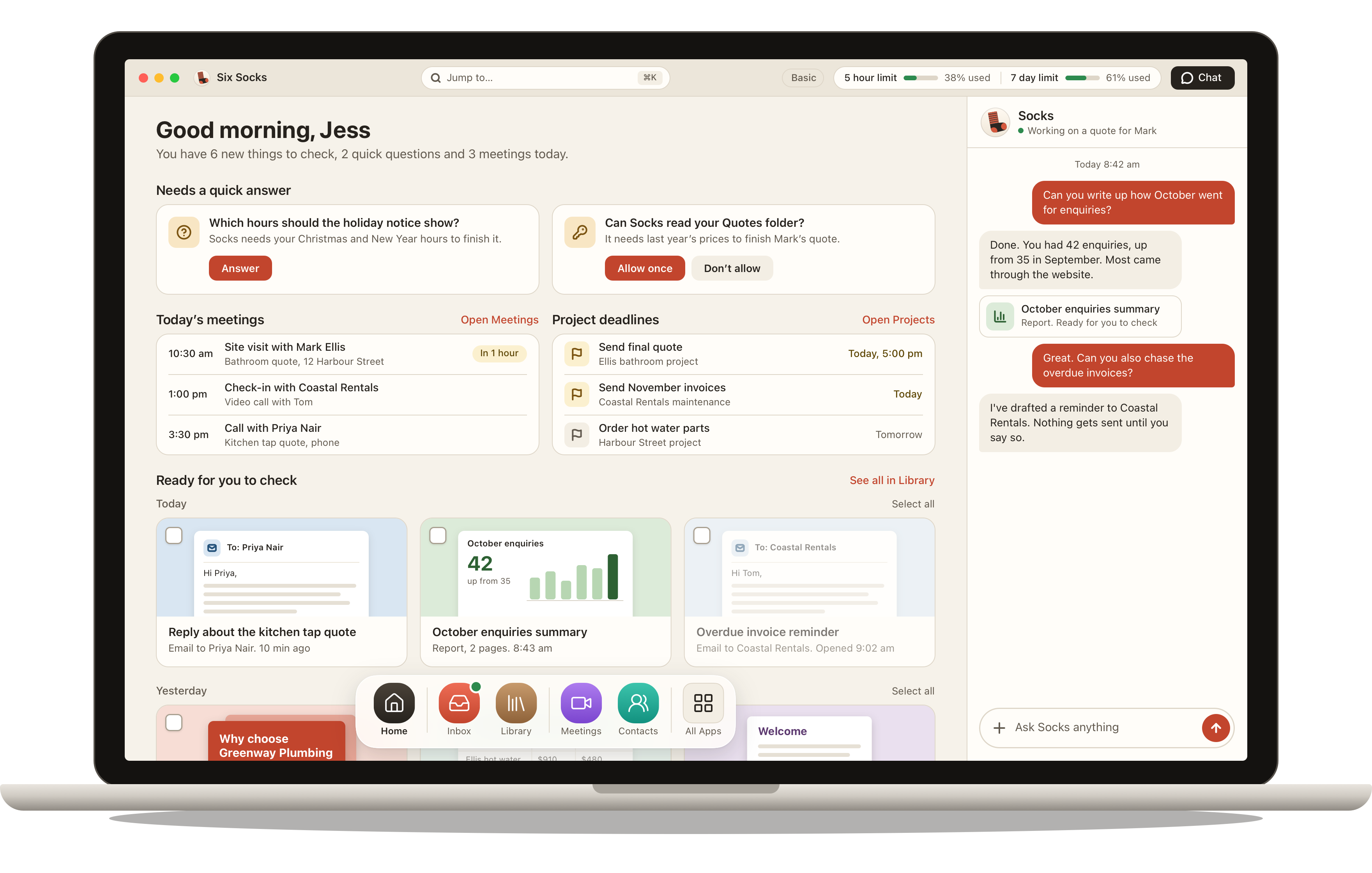
Six Socks on a laptop, showing the Dashboard with questions to answer, today's meetings, project deadlines and finished work ready to check, and the chat panel on the right

Grow at your own pace

Start small.
Do more as you trust it.

Everyone starts in Basic, where Socks works only in its own folder. When you're comfortable, move up a step. Six Socks tells you exactly what changes, and what could go wrong, before you do.

1Where everyone starts

Basic

Writes emails, reports and documents. Searches and reads the web. Asks before opening any of your other folders.

2When you're ready

Intermediate

Reads the folders you choose, connects to apps like your calendar from a checked list, and runs repeating jobs.

3For confident users

Advanced

Runs commands on your Mac inside a safe space, and uses tools you add yourself.

Moving up takes about a minute: read each point, tick it, done. In every mode, anything that leaves your computer still waits for your OK.

How it works

Ask like you'd ask someone in the office.

No prompts to learn and nothing to set up each time. Type a sentence, and Socks gets on with it.

1. Ask

One sentence is enough.

Chat from any screen, email your helper, or message it from your phone. "Can you write up how October went?" comes back as a finished report.
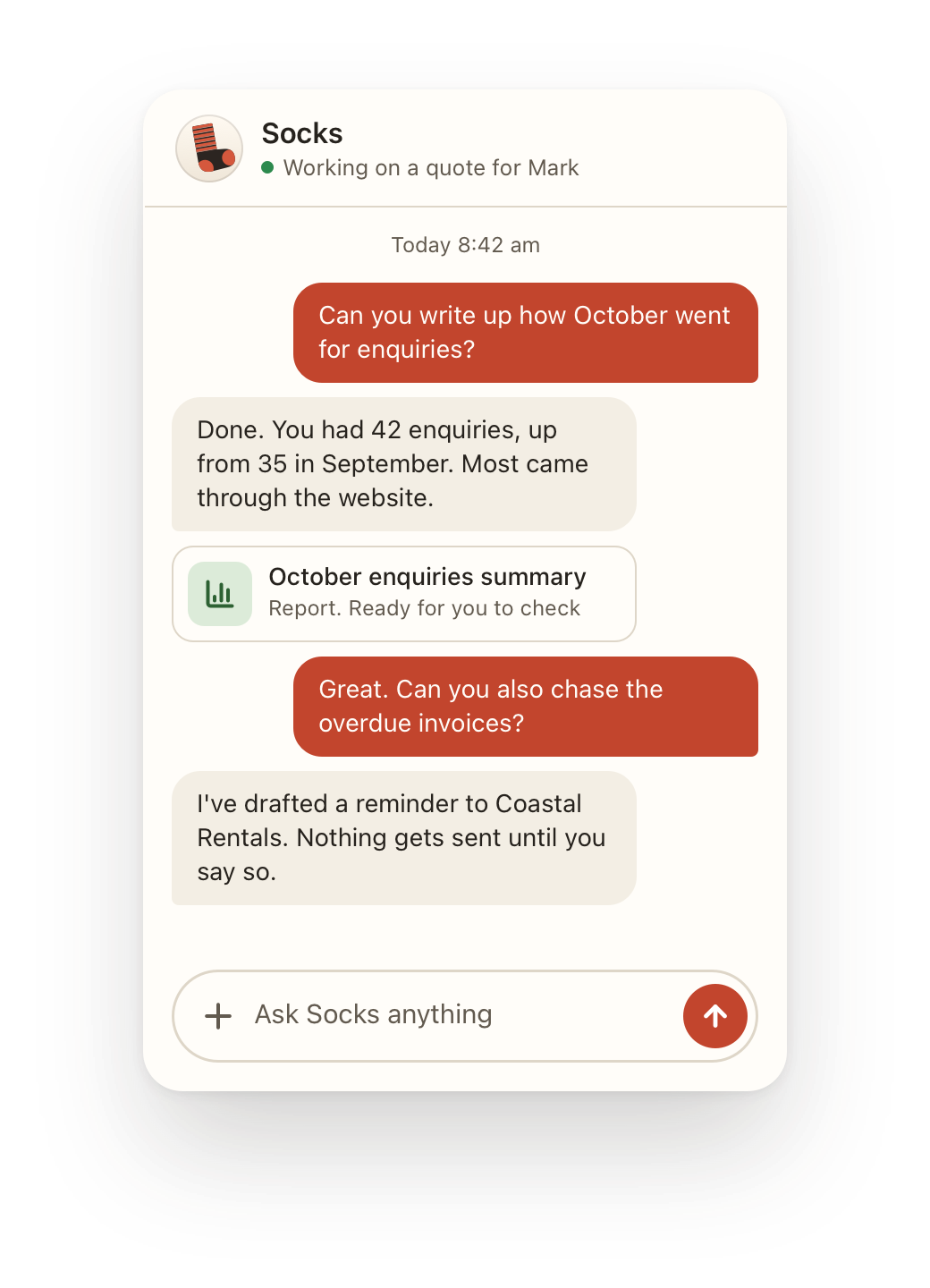
A chat with Socks. The owner asks how October went for enquiries, and Socks replies with a summary and a finished report

2. Socks does the work

It lands on your Dashboard, ready to check.

Emails, reports, quotes and presentations, in your words and your branding. New work is grouped by day, so you can see at a glance what you haven't looked at yet.
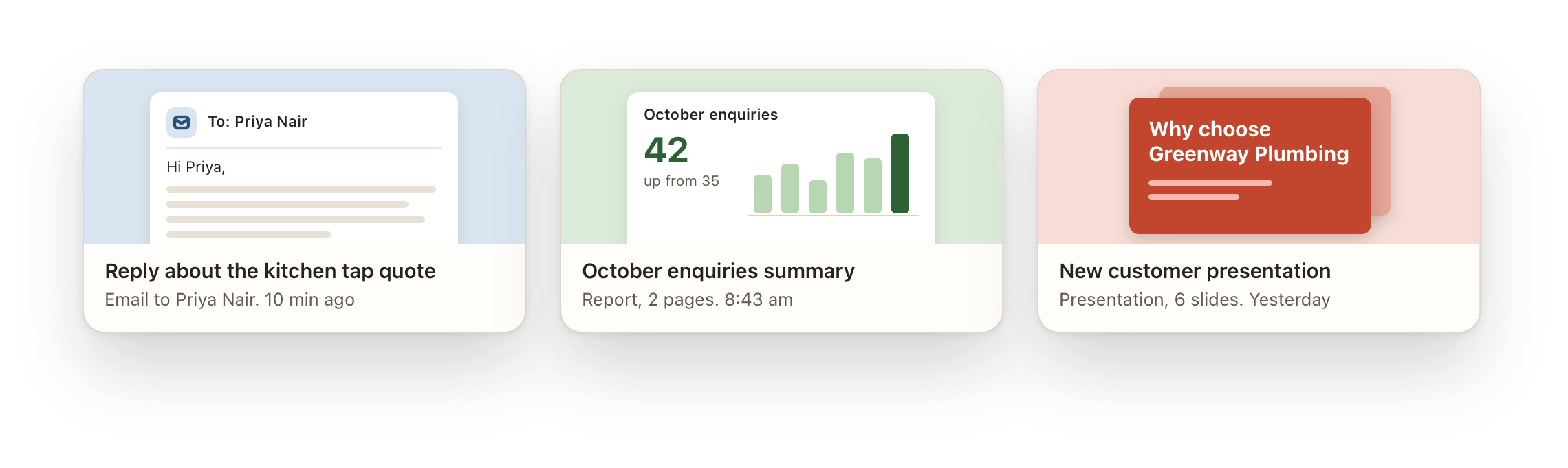
Three pieces of finished work: a reply about a kitchen tap quote, an October enquiries report and a new customer presentation

3. You check it

See exactly what's going, and to whom.

Before anything is sent you see the recipient, the words and the attachment. Change it yourself, ask Socks to fix it, or send it with one click. Nothing goes until you press Send.
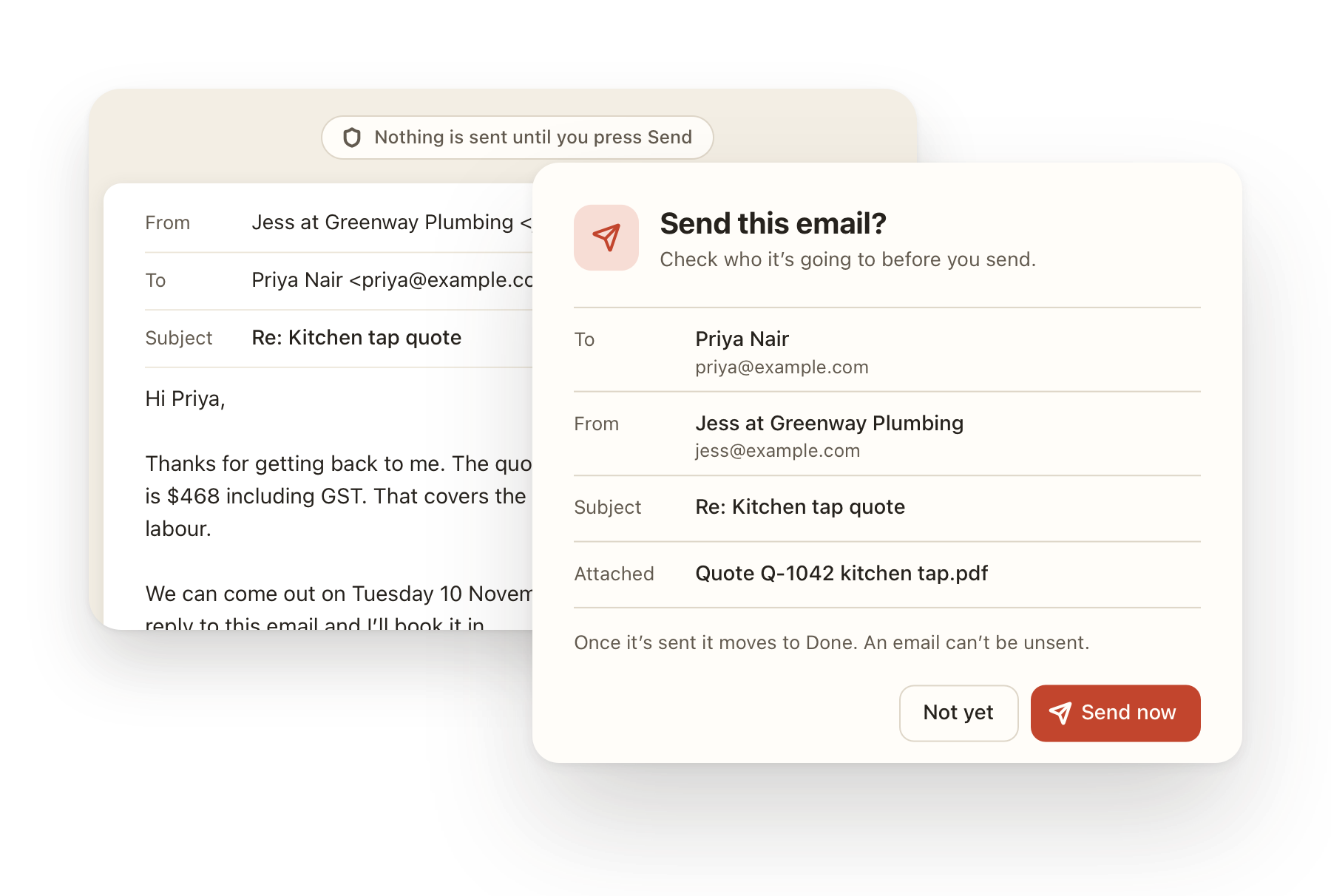
The send check, showing who the email is to, who it's from, the subject and the attached quote, with Not yet and Send now buttons

And when it's not sure

It asks. It doesn't guess.

Missing your holiday hours? Needs last year's prices from a folder it can't see? Socks asks a quick question, and you answer with one tap.
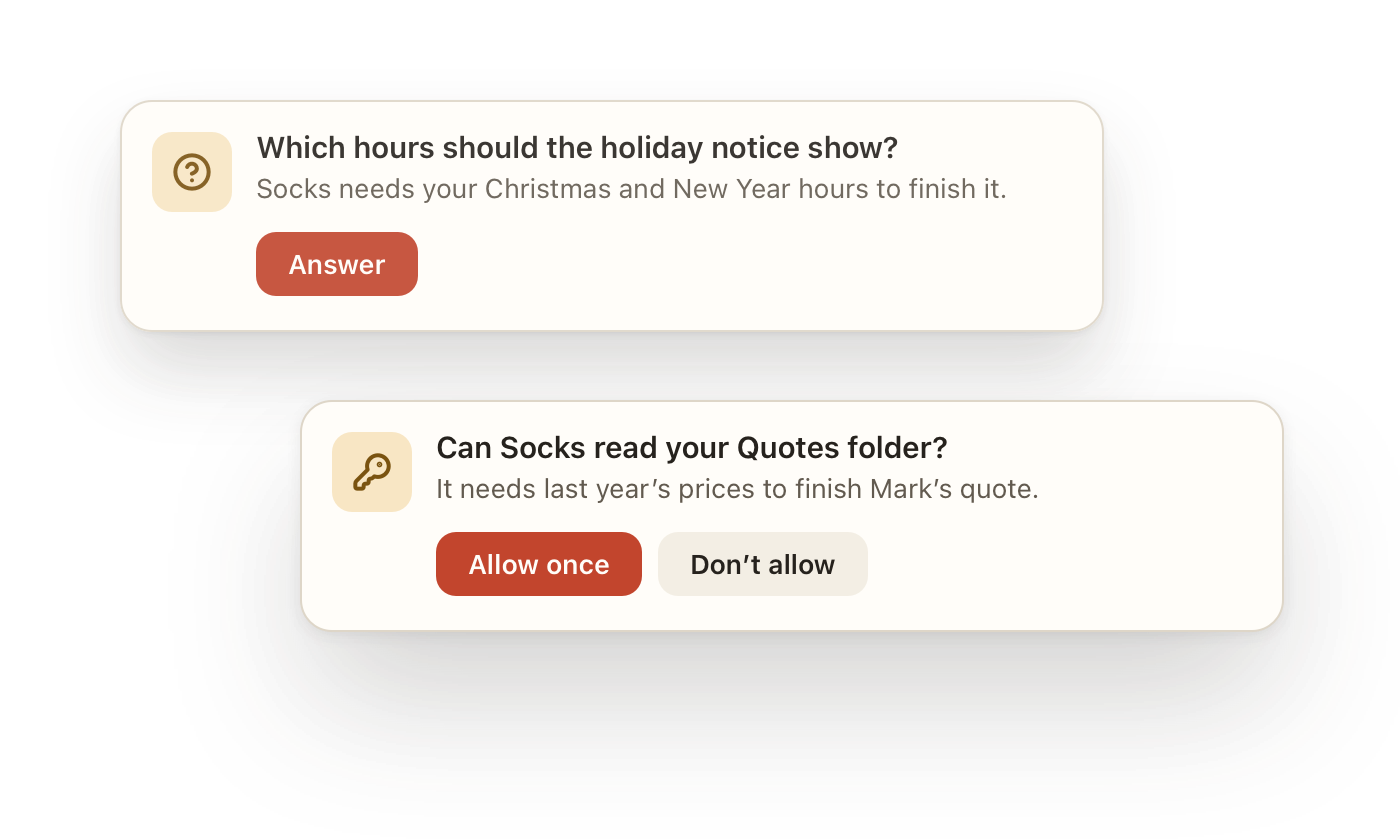
Two questions from Socks: which hours the holiday notice should show, and whether it can read the Quotes folder, with Allow once and Don't allow buttons

The one rule that never changes

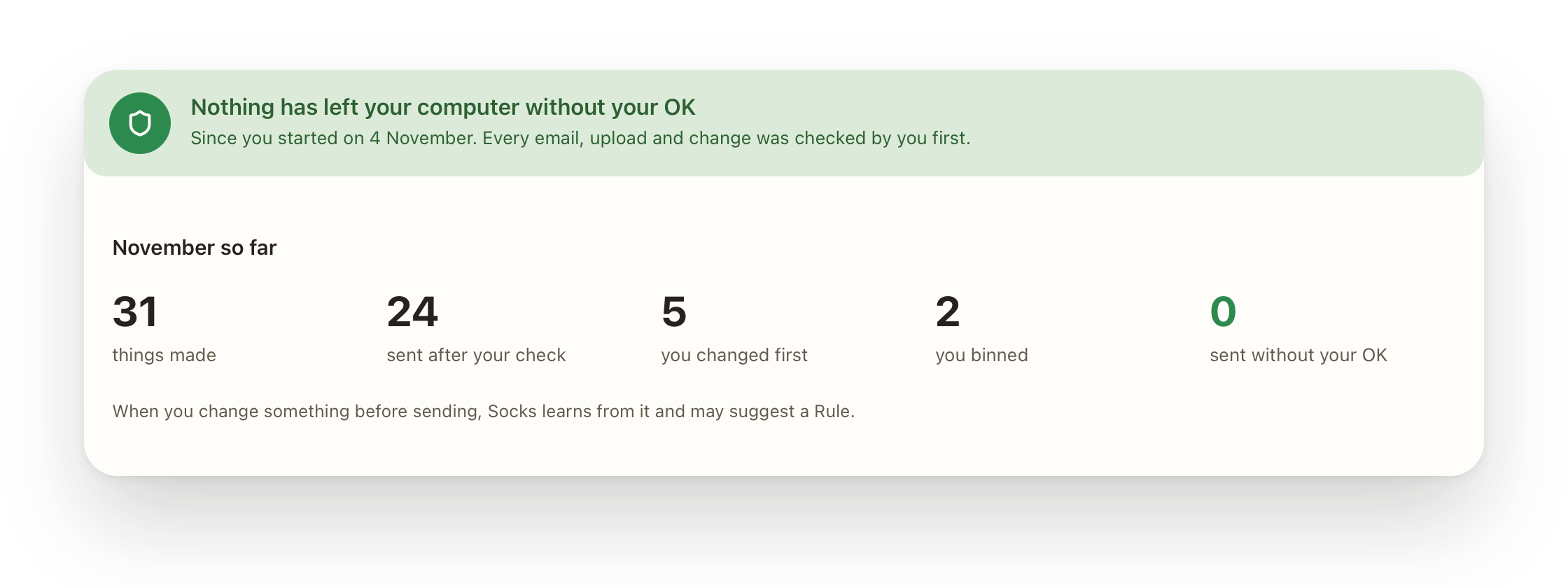
things sent without your OK.

Emails, messages, uploads and changes in your other apps all wait for you, every single time. There's no setting that turns this off.

The Report Card: nothing has left your computer without your OK. In November, 31 things made, 24 sent after your check, 5 changed first, 2 binned and 0 sent without your OK

Everything a small office needs.

One helper, thirteen apps, all on your Mac.

Sounds like you. Looks like you.

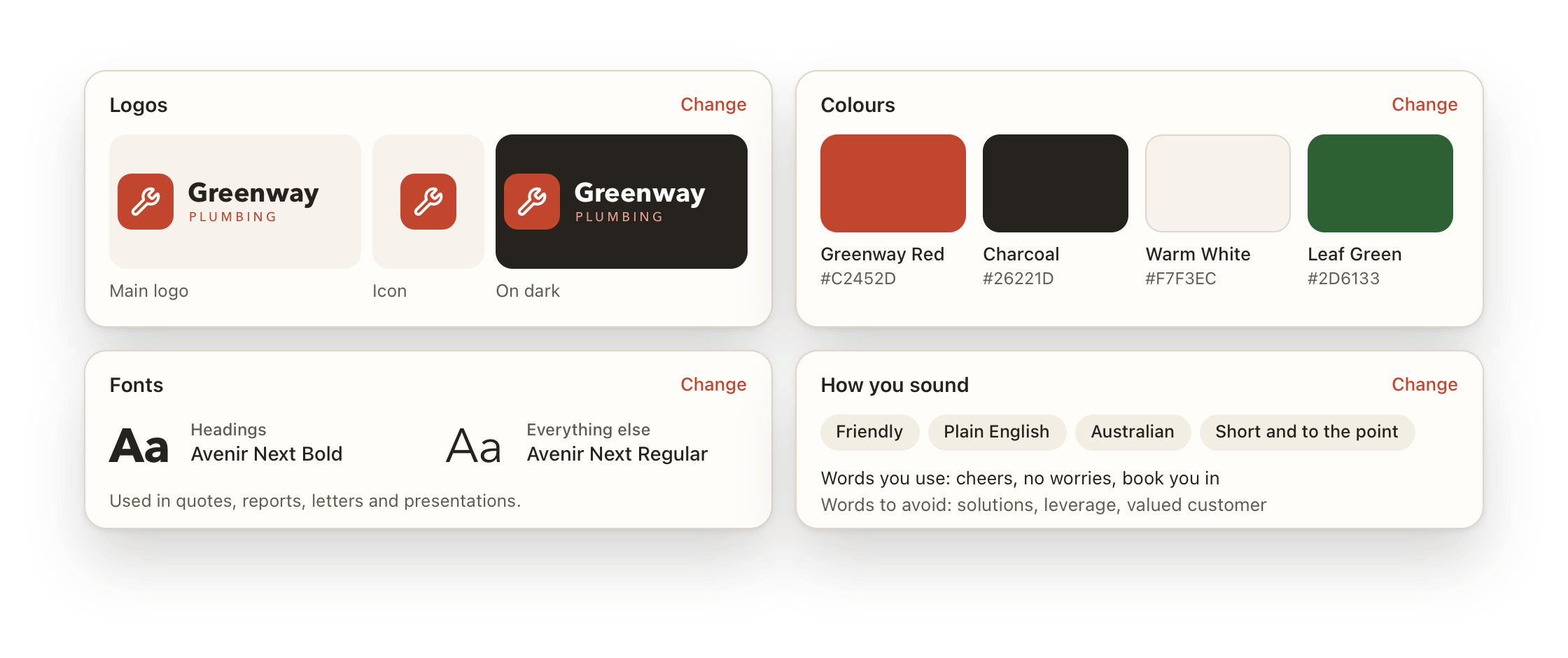
Point Socks at your website and it picks up your logo, colours, fonts and the way you talk. Every quote and report comes out on brand.

The Branding app with the business logos, colours, fonts and how the business sounds

Works while you're on the job.

Leave your Mac plugged in with the lid closed, and the quote is ready when you're back in the van.

Lid closed. Still going.

Timesheets that fill themselves.

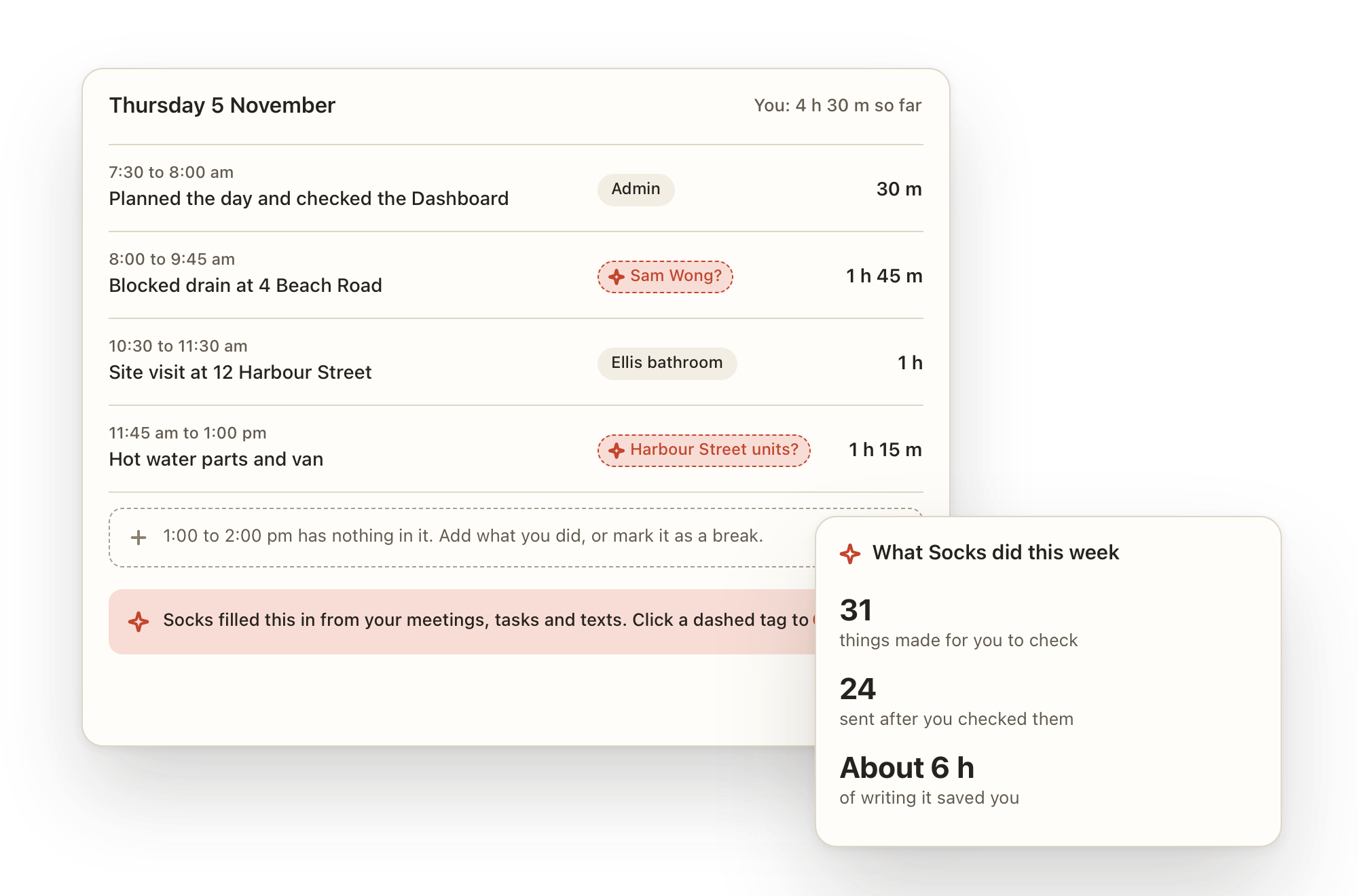
Socks fills in your day from meetings and tasks. Confirm its guesses, then turn the week into invoices.

A day's timesheet with Socks's guesses shown as dashed tags, and a summary of what Socks did this week

Ask from anywhere.

Chat in the app, email your helper from your phone, or use the Telegram add-on. The work is waiting on your Dashboard when you're back.

In the app. By email. On your phone.

Your files stay yours.

Everything is saved as normal files in a folder on your Mac. Nothing to export if you leave.

A whole office of apps.

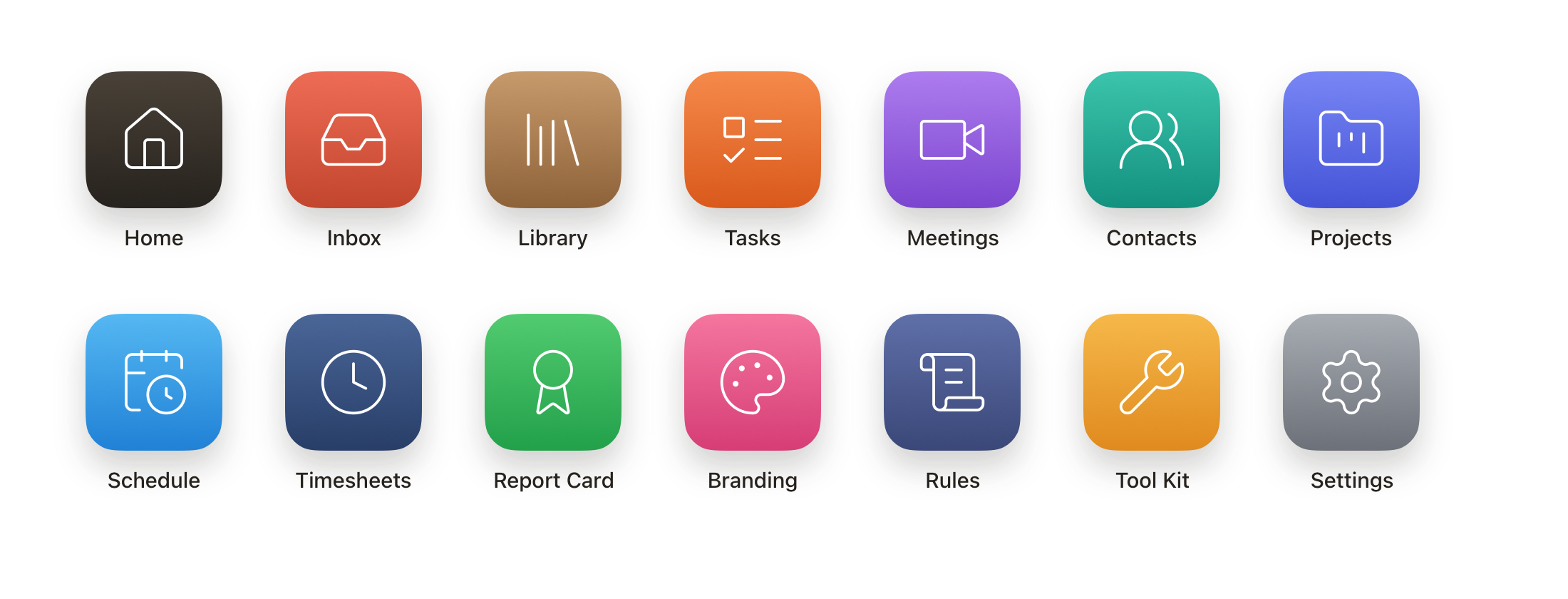
Tasks, Meetings, Contacts, Projects, Schedule, Timesheets and more, all sharing one helper that knows your business.

The fourteen Six Socks app icons, from Home and Inbox to Tool Kit and Settings

Get started

Set up in one sitting.

Six Socks walks you through every step in plain English, and checks each one worked before moving on.

A Mac

Windows is coming later. Socks can keep working with the lid closed while it's plugged in.

Claude Code

Installed and signed in with your own paid Claude plan. Six Socks checks this for you.

Your business

Your name, what you do and how you like to sound. Change any of it later.

Email, if you like

Email your helper and send from your own address. Skip it now and add it later.

Be one of the first.

You're getting Six Socks before anyone else. Some things will be rough. What you tell us decides what we build next.

Updates arrive by themselves

Six Socks installs updates overnight, while it isn't busy and your Mac is plugged in.

Tell us what's wrong

Or what's confusing. A screenshot and one line is plenty.

Your work stays on your Mac

We don't see your files, your emails or what you ask your helper.

Questions.

Do I need to be technical?

No. If you can use email, you can use Six Socks. Set-up walks you through every step in plain English, and you can run it again from Settings.

Can it send an email without asking me?

No. Anything that leaves your computer, like an email, a message or an upload, waits for your OK every time. That's true in every mode, and there's no setting to change it.

What can it see on my Mac?

In Basic mode, only its own folder. If it needs another folder for a job, it asks first, and you can allow it once. In Intermediate you can choose folders it can always read.

Where does my information go?

Your files stay in a folder on your Mac. To do the work, your helper sends your request and what it needs to read to Claude, under your own Claude account. Web searches go out to the web. Six Socks never sees your Claude login.

What does it cost to run?

The AI work uses your own Claude plan, and Six Socks never charges for it. The top of the window shows how much of your plan you've used, the same way Claude Code does.